

What are ELITEA Pipelines?
ELITEA Pipelines are customizable, automated workflows that help you streamline repetitive tasks and complex processes. Think of a pipeline as a step-by-step recipe that guides the system through a series of actions to achieve a specific goal. Unlike traditional automation tools that require programming knowledge, ELITEA Pipelines can be created visually using a drag-and-drop interface, making powerful automation accessible to everyone—from business analysts to project managers.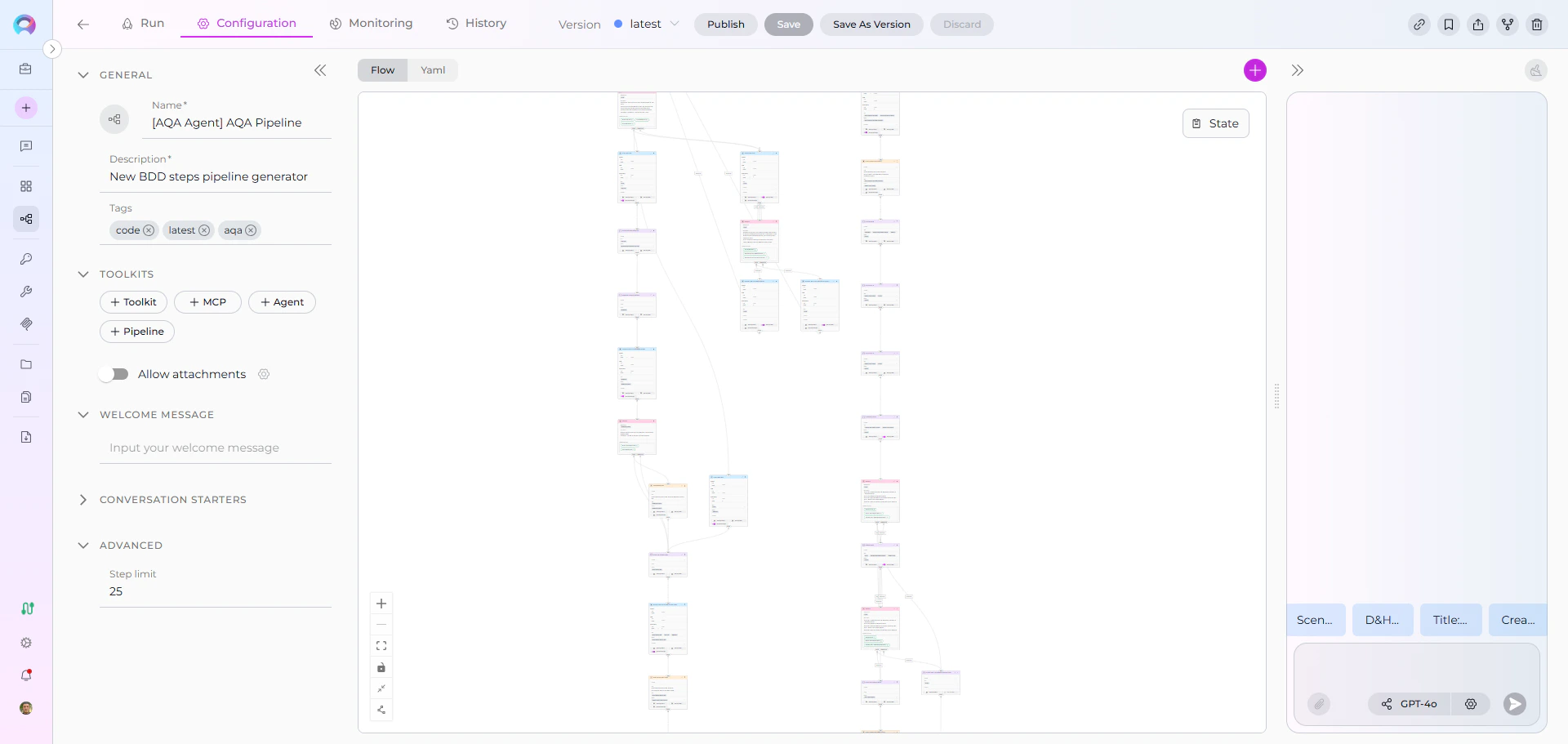
Key Characteristics
Visual Design : Create workflows by connecting nodes in a flow diagram—no coding required. The Flow Editor provides an intuitive interface for designing even the most complex processes. Flexible Automation : Handle everything from simple linear tasks to sophisticated multi-step processes with conditional logic, loops, and integrations with external tools. Smart Integration : Connect seamlessly with toolkits, external services like Jira, GitHub, Confluence, and use AI agents to enhance your workflows. Data-Driven : Pipelines maintain their own memory (called “state”) to track information as they execute, ensuring data flows smoothly between steps.How Do Pipelines Work?
A pipeline operates by executing a sequence of nodes, where each node represents a specific action or decision. Here’s how it works:- Start at the Entry Point: Every pipeline begins at a designated starting node
- Execute Nodes Sequentially: The pipeline moves from one node to the next, performing actions and making decisions
- Manage State: Information collected during execution is stored in the pipeline’s state and can be used in subsequent steps
- Follow Connections: Nodes are linked together, with the pipeline following these connections based on conditions or simple transitions
- Complete or Loop: The pipeline ends when it reaches an END transition or continues looping based on your design
Real-World Use Cases
Pipelines excel at automating workflows that involve multiple steps, decisions, and integrations. Here are some practical examples:User Story Creation Workflow
Automate the entire process of creating user stories in Jira:- Gather requirements from users through conversational prompts
- Extract relevant information from Confluence pages or documentation
- Enhance the story with AI-generated acceptance criteria
- Get user approval before publishing
- Automatically create the formatted user story in Jira
Manual Test Case Generation
Transform requirements into comprehensive test cases:- Analyze user stories or requirement documents
- Generate test scenarios with step-by-step instructions
- Create expected results for each test case
- Add test cases to TestRail or Jira with proper categorization
- Link test cases back to original requirements
Other Common Scenarios
- Code Documentation: Automatically document code repositories by analyzing files and generating comprehensive documentation
- Data Processing: Extract, transform, and load data from multiple sources with validation and error handling
- Approval Workflows: Route requests through multiple approvers with conditional logic based on criteria
- Report Generation: Collect data from various systems, analyze it, and create formatted reports
Pipelines vs Agents: When to Use Which?
Both Pipelines and Agents are powerful automation tools in ELITEA, but they serve different purposes:Use Pipelines When:
✔️ Structured Workflows: You have a clear, defined sequence of steps that need to happen in order ✔️ Multiple Integrations: Your workflow requires connecting to several external tools or services (Jira, GitHub, Confluence, etc.) ✔️ Conditional Logic: You need to make decisions and branch the workflow based on specific conditions ✔️ Data Processing: You’re handling data transformation, validation, or aggregation across multiple steps ✔️ Orchestration: You need to coordinate multiple agents, tools, or sub-processes as part of a larger workflowUse Agents When:
✔️ Conversational Interactions: You want a more free-form, chat-based interaction with users ✔️ Single-Purpose Tasks: The task is focused and doesn’t require complex branching or orchestration ✔️ Exploratory Work: Users need to ask questions and explore information dynamically ✔️ Simple Automation: The workflow is straightforward without complex conditional logicPipeline Building Blocks
Understanding pipelines requires familiarity with their core components. Each building block serves a specific purpose in creating effective workflows:Getting Started with Pipeline Building Blocks
Ready to dive deeper? We recommend exploring the building blocks in this order:- Start with States - Understand how pipelines store and manage data
- Explore Nodes - Learn about the different actions and components available
- Master Connections - Discover how to control the flow between nodes
- Understand Entry Point - Define where your pipeline begins
- Choose Your Interface:
- Flow Editor for visual design
- YAML Configuration for programmatic control
- Reference Appendix - Comparison Tables - Quick comparisons of node types and features
Before building pipelines, make sure you’ve completed the Quick Start Guide and familiarized yourself with Creating a Pipeline.
Next Steps
Learn by Doing
- Create Your First Pipeline: Step-by-step tutorial for beginners
- Pipelines Menu Guide: Complete reference for the Pipelines interface
Explore Advanced Topics
- Agent Integration: Incorporate AI agents into pipelines
Get Inspired
- Pipeline Examples: Real-world pipeline implementations
- Community Pipelines: Discover public pipelines created by the community
Ready to build powerful automated workflows? Start with States to understand the foundation of pipeline data management!