

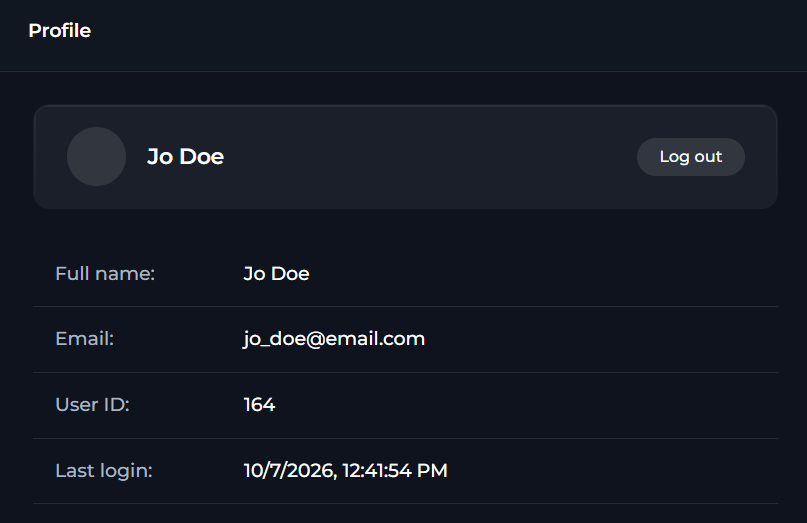
Profile Information
The page shows your avatar and your name and follow them with this data:
Each field is shown in a copyable format.
ELITEA displays Last login using your browser’s local date and time format.
Log-out
In Profile, you can log out of ELITEA:- In Settings > Profile, select Log out.
- Wait for ELITEA to redirect you to the logout flow.
Logging out clears the current session in the application. You must sign in again to continue using ELITEA.