

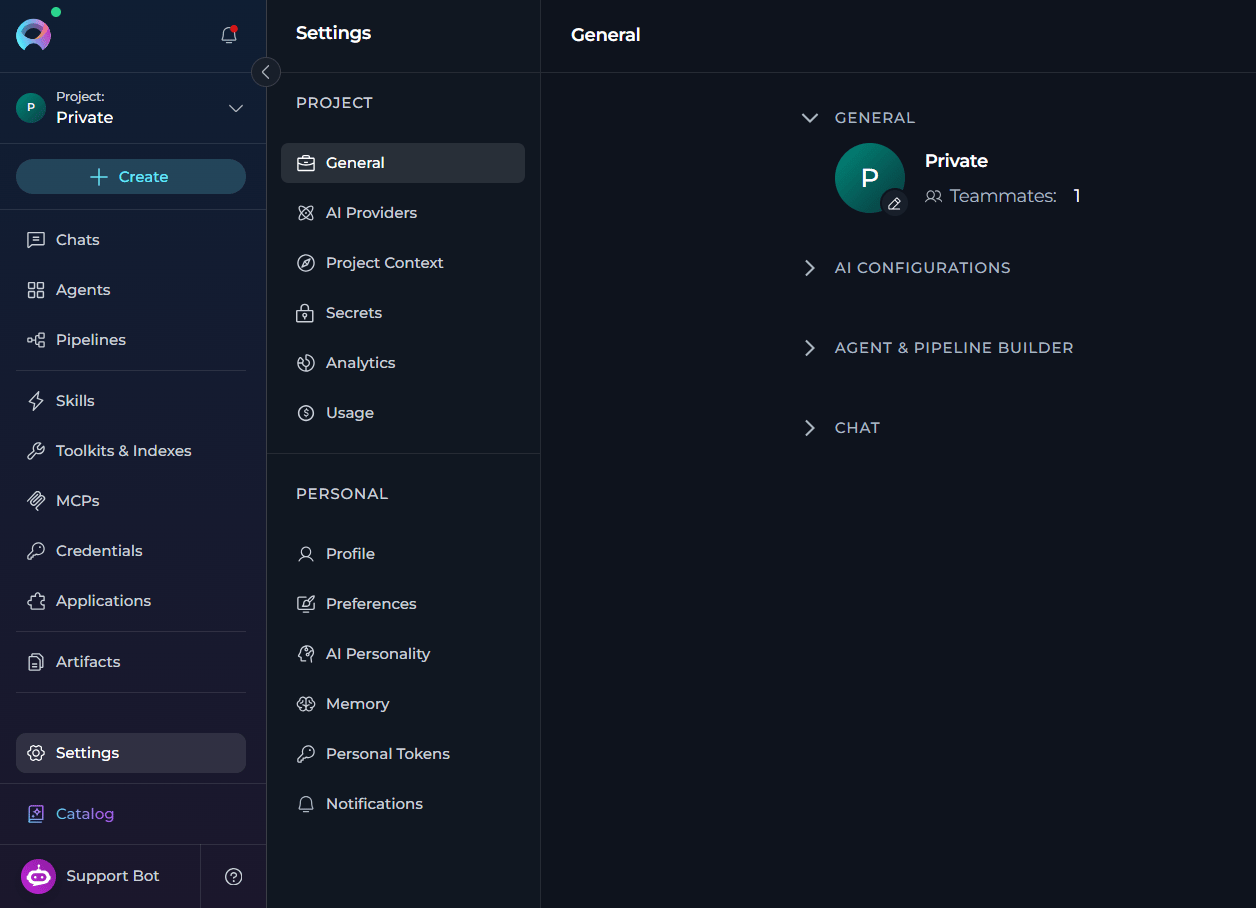
Project Settings
In Project settings, you can manage project-wide configuration, access, analytics, and usage.General
Review project information, AI configuration details, and agent and pipeline builder settings.
AI Providers
Manage project AI providers, model configurations, defaults, and AI credentials.
Project Context
Define project-wide background information that ELITEA uses across conversations and workflows.
Secrets
Store and manage project secrets used by integrations and configurations.
Users
Review project members, roles, and access-related information.
Analytics
Review project analytics, adoption, usage trends, and health metrics.
Usage
Review project and personal usage of platform-shared models and budget consumption.
Personal Settings
In Personal settings, you can manage your own profile, preferences, tokens, memory, and notifications.Profile
Review your account information and sign out of ELITEA.
Preferences
Set your personal application preferences, including theme, voice, and sound settings.
AI Personality
Configure how ELITEA interacts with you in new conversations.
Memory
Configure context management, context editing, and automatic summarization for new conversations.
Personal Tokens
Create and manage personal access tokens for API access and external tools.
Notifications
Review and manage your notification settings and notification list.